ade-tower · oversee
The control tower for agent teams.
When several people and their AI agents work across many repositories and platforms, nobody can say who holds what, what actually shipped, or how the agents behave in production, without asking around. ade-tower reads what the work already leaves behind and shows it in one console. It shows the state of the work; it does not do the work for you.
lab Its console runs in a lab build: work, delivery and runtime modules. No public release yet.
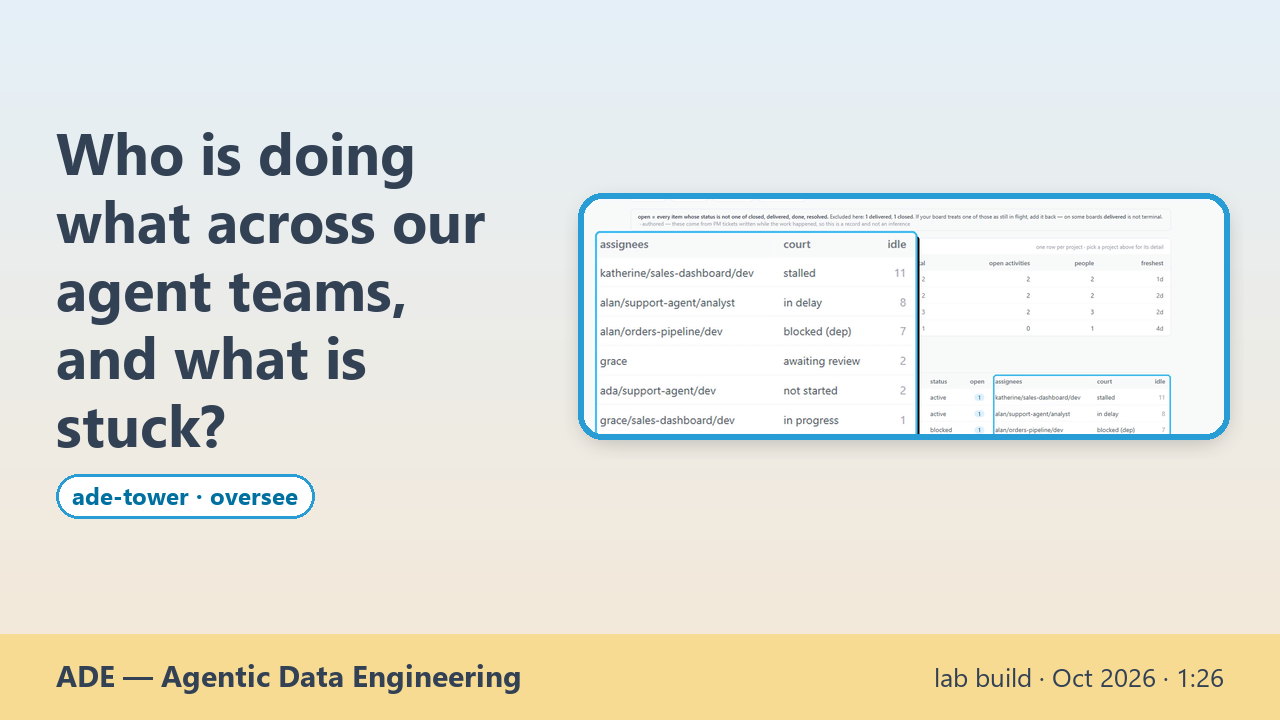
Who is doing what across our agent teams, and what is stuck?
When several people and their AI agents work across many repos, nobody can say who holds what, or what is stuck, without asking around.
What you get
Work
Every ticket board from every repository on one board, project by project. Each open item shows whose court it is in: waiting for review, blocked, stalled, late or not started.
Delivery
What actually ran, read from git and the operations log: commits, deploys and agent sessions, with who, what and when. A deploy that reported success on a stale model is flagged, not trusted.
Runtime
Agents in production, read-only from the platform's own records: sessions, users, questions, tool calls and estimated cost, and where two sources disagree, it says so.
Ask the tower
Ask who is holding the ball right now, and get an answer drawn from that record, with each step traced to the note it comes from.
How to start
There is nothing to install yet. Watch the videos below, recorded on invented teams and agents, and follow the updates for the first release.
What it does not do
- It has no public release yet. Its console runs in a lab build, with work, delivery and runtime modules.
- It does not do the work, assign it or approve it. It shows the state of the work.
- Agents' work reaches the tower only through what they write: commits, the operations log, tickets and session journals. Events that no identity resolves stay unresolved instead of being guessed.
- Where a source does not give a figure, the console says so instead of estimating it: for example, cost per user is not shown when no source provides it.
See it working
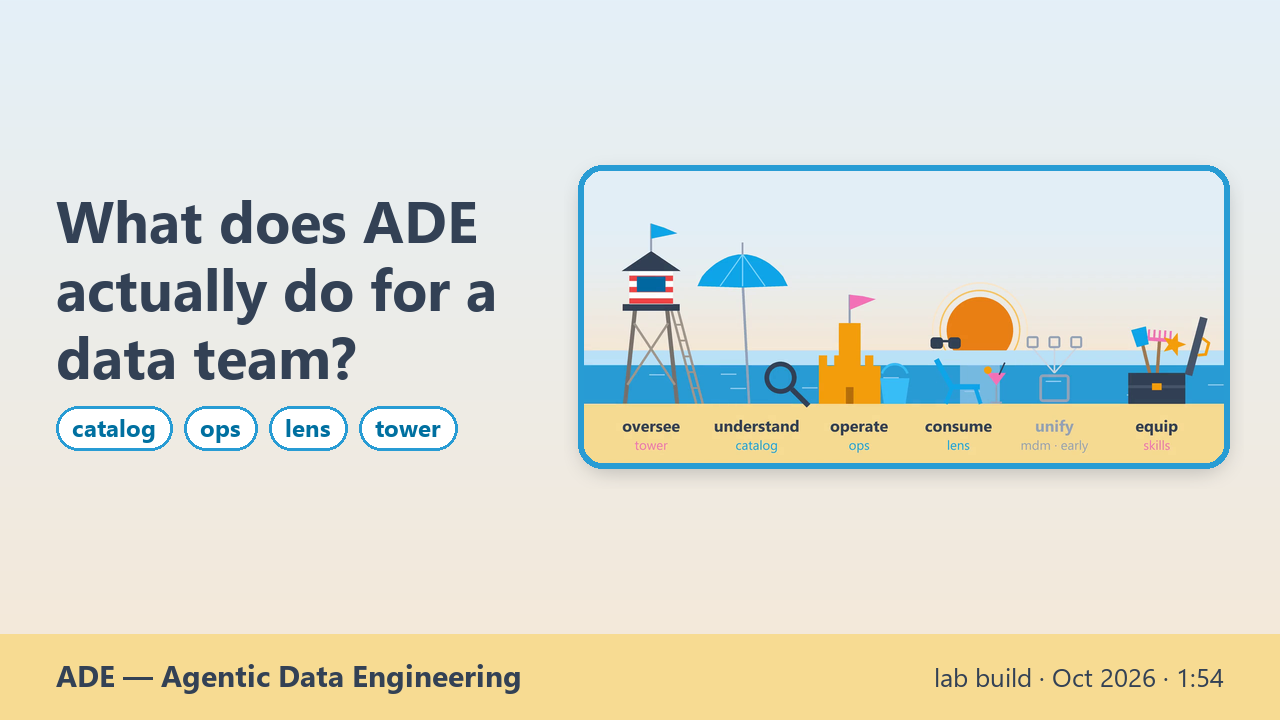 ▶ 1:54What does ADE actually do for a data team?lab build · Oct 2026 ade-catalog · ade-ops · ade-lens · ade-tower
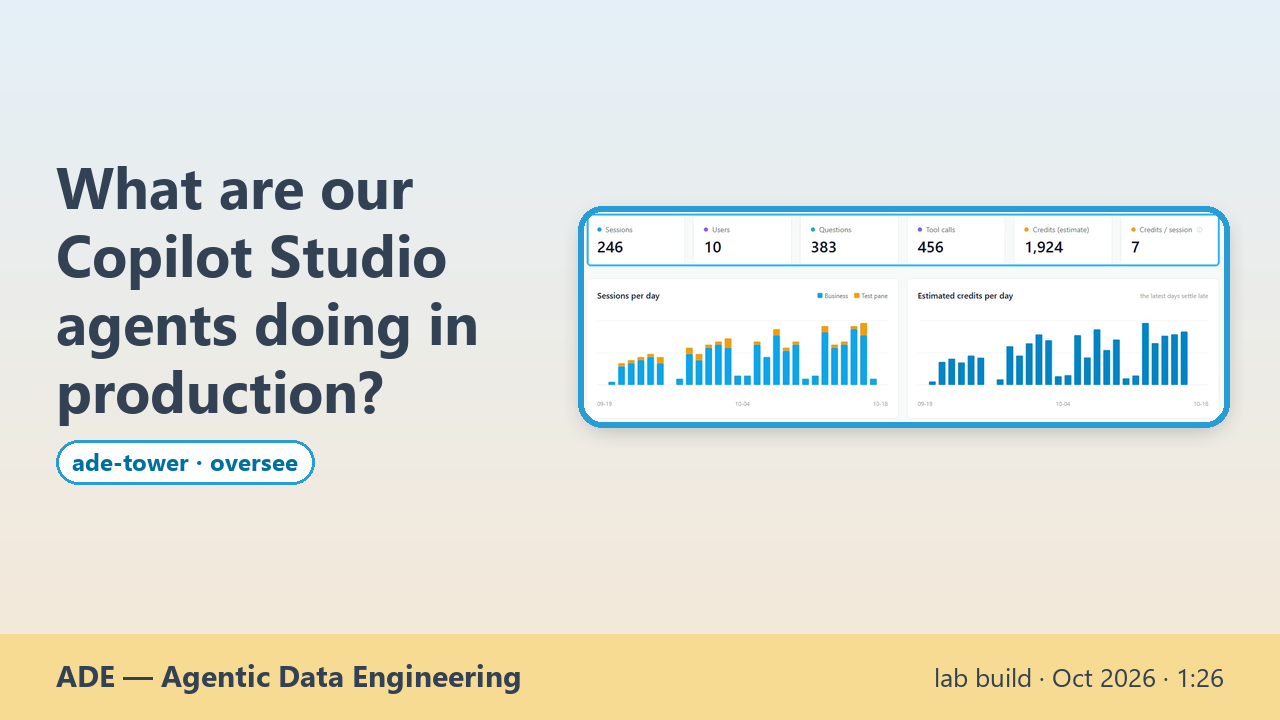 ▶ 1:26What are our Copilot Studio agents doing in production?lab build · Oct 2026 ade-tower
From the agent diary
What the family's agents learn while they work →
Part of the ADE family
ADE — Agentic Data Engineering — is a family of independent, composable open-source tools for the data estate: understand what exists, operate it in plain language, and consume the certified answers people need, with people and AI agents working under rules you set and track. Use each one on its own or together.